 ELMOF
ELMOF
Your back office fits in your pocket.
ELMOF is business management for Swiss sole proprietorships and trade businesses. Write invoices, capture receipts, run payroll, on your phone, even without a signal.
For iPhone. The download is free.
Two sides, strictly apart
ELMOF has two sides. They live in the same app and are kept apart: no combined report, no sync, no figure that moves across on its own.
For the business
Quotes, QR invoices, projects, hours, materials, payroll and the statement for the tax office. Free for 30 days, then by subscription.
What the business gets Free, permanentlyFor you privately
Accounts, fixed payments, savings goals and the question of what is left at the end of the month. Free for good, no business, no subscription.
What the private side doesWhat ELMOF does
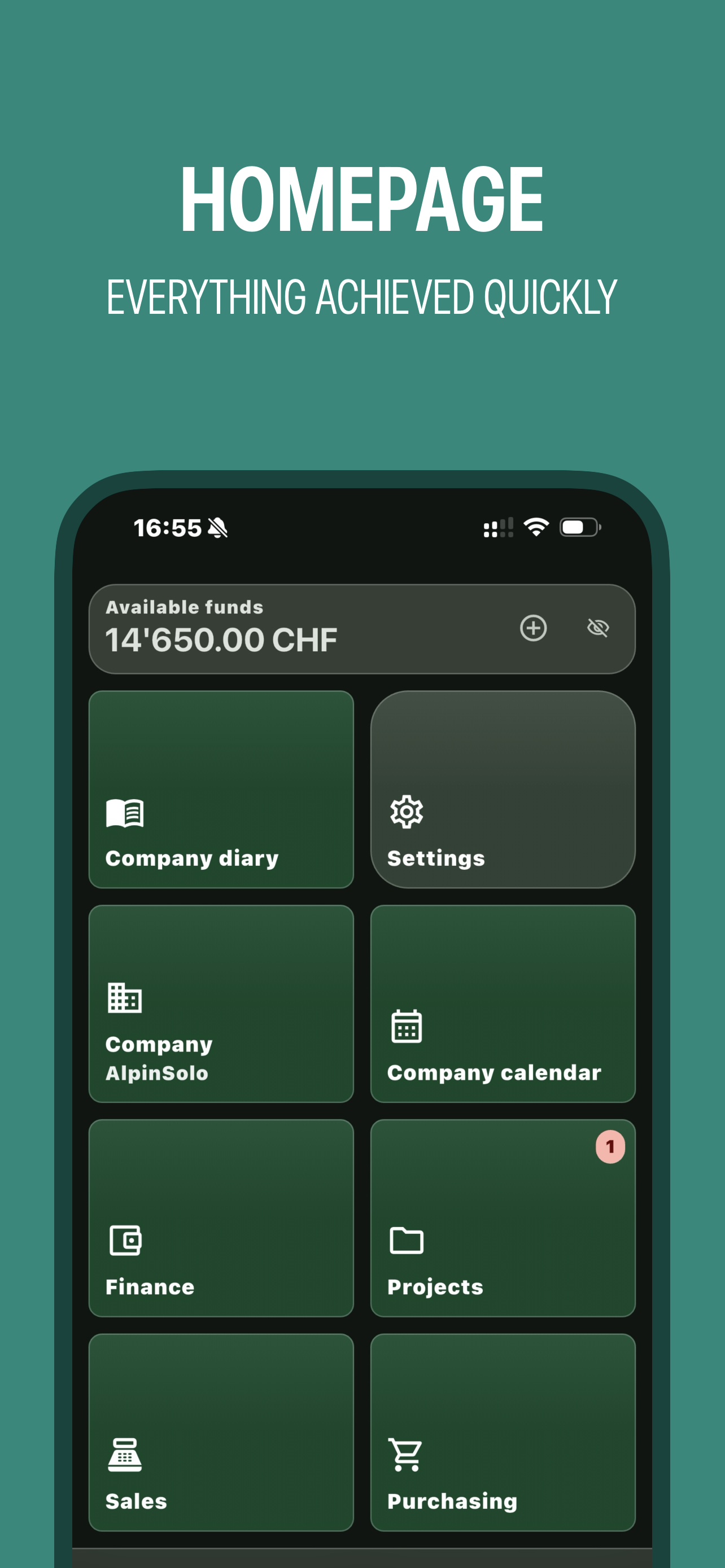
An overview. What sits behind each point is described on the two pages below, one for the business and one for private use.
Invoices with QR
Swiss QR invoice with every mandatory field. Write a quote, turn it into an invoice with one tap, send it as a PDF.
Bookkeeping without jargon
Income-and-expense statement for sole proprietorships, what the tax office wants to see. The chart of accounts is created for you, not asked about.
Photograph receipts
Snap the receipt, type the amount, done. The receipt stays attached to the entry and is there again at an audit.
Import bank statements
Read the camt.053 file from your bank; ELMOF suggests which line belongs to which invoice. You only confirm.
Projects and hours
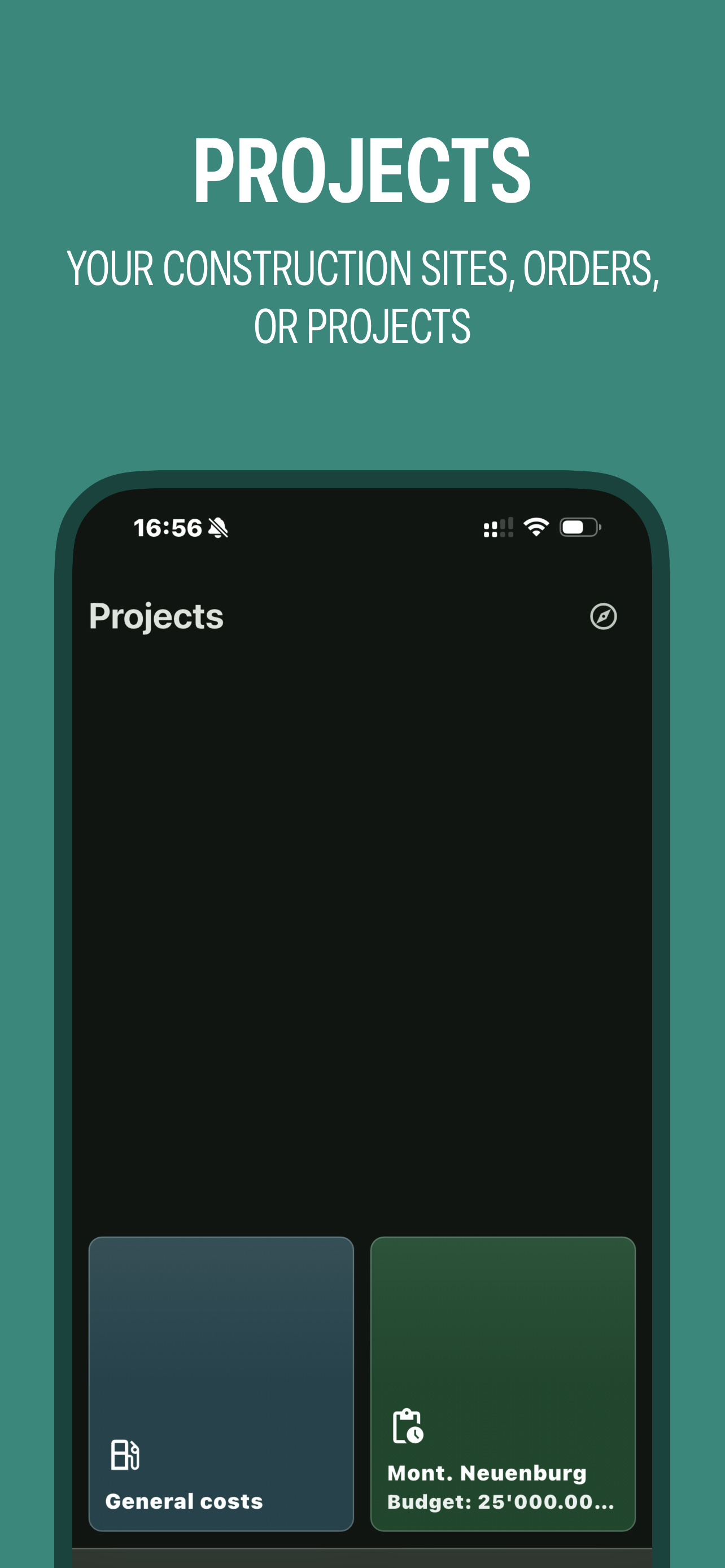
Book hours and materials to the project. You see whether the job paid off along the way, not only at the end.
Work reports for clients
A work report with line items and photos, signed by the client on site, sent as a PDF.
Payroll and salary certificate
Payslips with AHV, ALV, BVG and withholding tax. The salary certificate comes out as official Form 11.
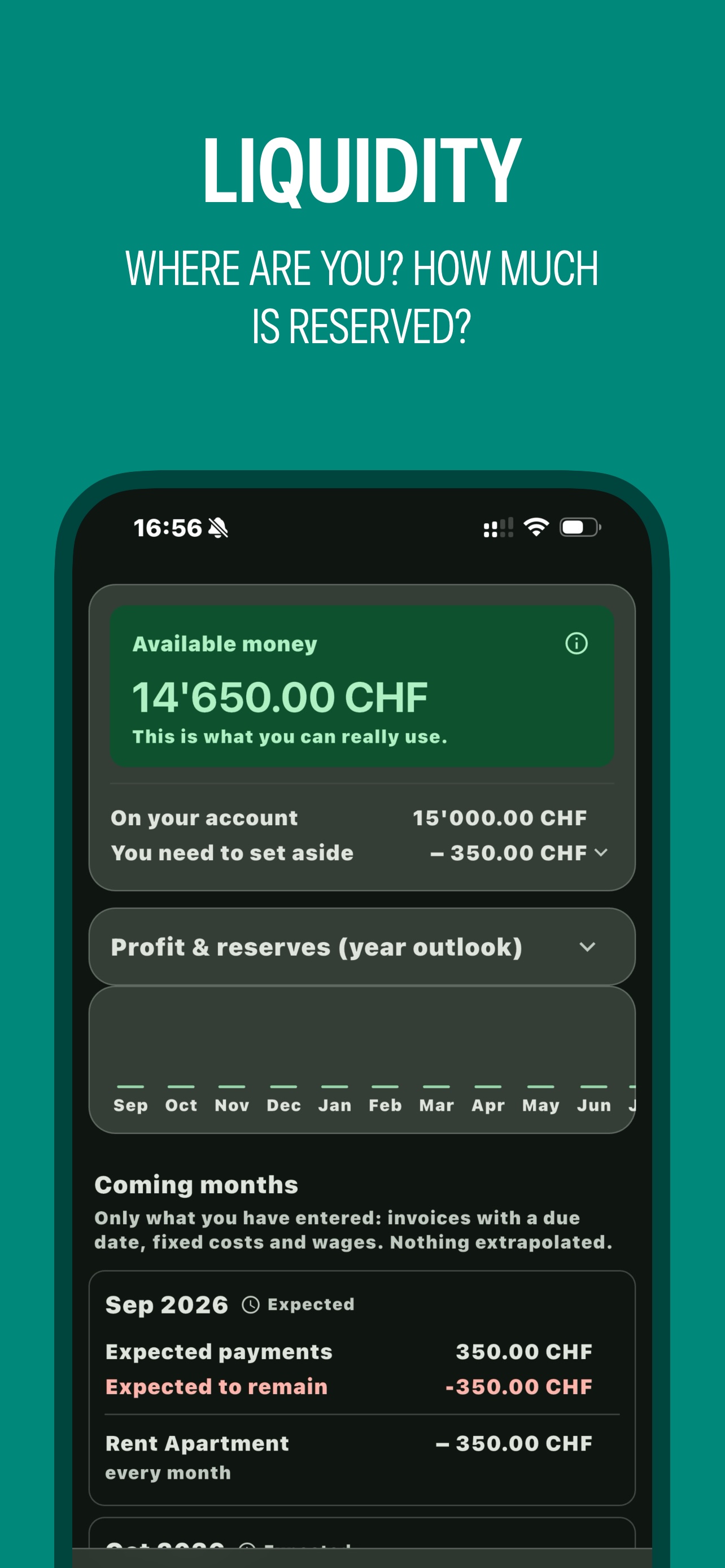
What is left today?
Available money, open invoices, amounts set aside for taxes and social contributions, at a glance.
VAT
For the flat tax rate method small businesses use. If you are not VAT liable, you never see any of it.
For businesses without an accountant on staff
ELMOF is built for people who spend the day on site and do the paperwork in the evening. You do not need to know what a chart of accounts is.
Trade businesses
Carpenters, electricians, plumbers, painters, landscapers, businesses with projects, hours and materials.
Sole proprietorships
Anyone working alone or with a few employees who needs an income-and-expense statement for the tax office.
Self-employed
Service providers who write quotes, issue invoices and want to know what is left at the end of the month.
Where your data lives
This is what actually happens, not what reads well.
On your device
ELMOF works offline. Entries, customers, invoices and receipts sit in a database on your phone. You can keep working without internet; there is no account and no sign-in.
Except when you start it yourself
Three things leave the device, each only when you trigger it: a backup you store wherever you like (the file is encrypted); a PDF you send; and team sync, if you work with employees and share a folder in your own cloud (iCloud, OneDrive, Google Drive) for it. If you work alone, none of this happens.
What ELMOF does not do
No advertising, no tracking, no sharing with third parties, no selling of data. We run no server that holds your bookkeeping.
How it looks
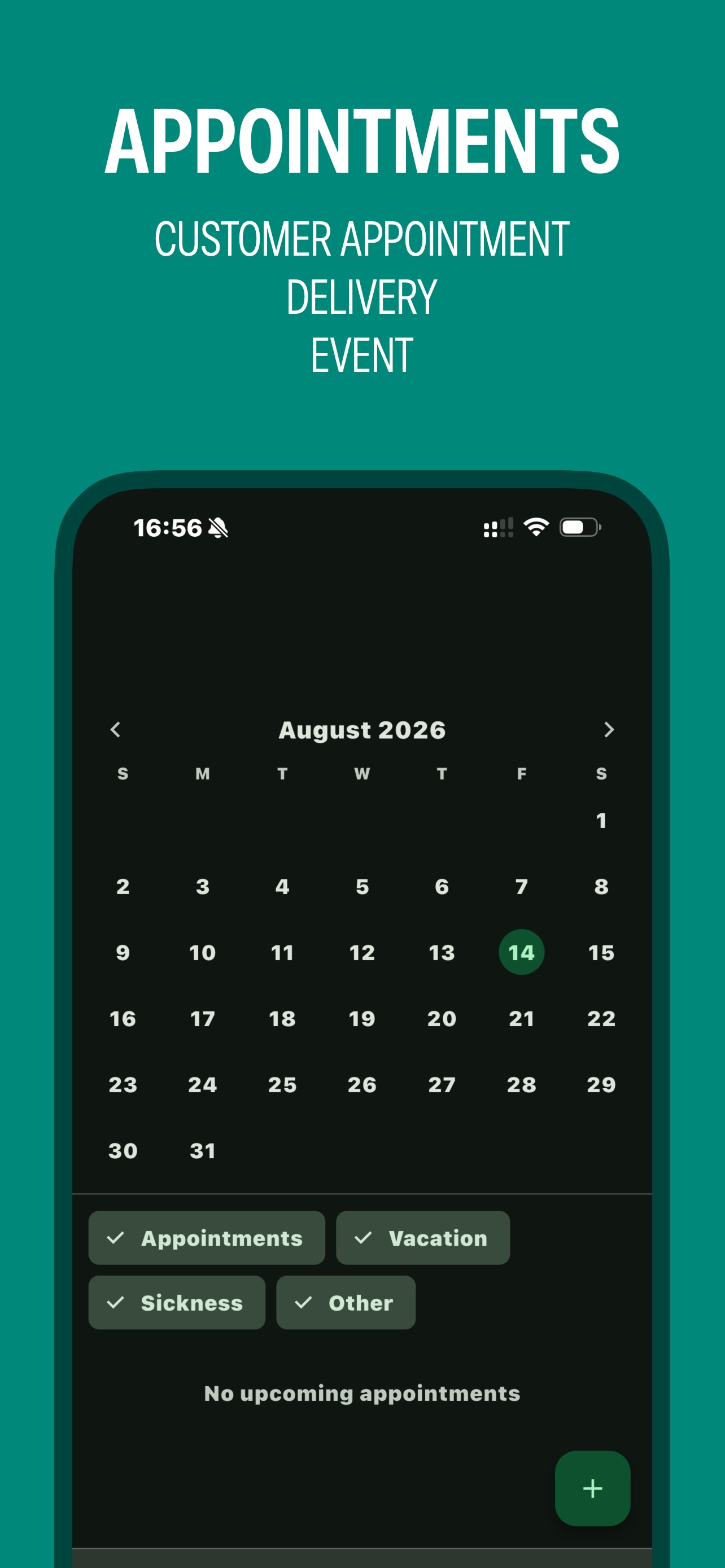
Four screens from everyday work.